Guide
Farm to Table Staff Not Working Guide
Why your farmer keeps putting vegetables on the wrong shelf, and how to fix staff not working in Farm to Table.
Rancher, waiter payments and Daily Bonuses
- After Rancher research, hire a Rancher to feed animals, collect their products and deliver them to shelves. Assign up to eight livestock buildings per Rancher.
- Waiter Payment Collection requires research and can be switched on or off in the staff screen. Waiters serve food and clean before collecting table money.
- Daily Bonuses require the final staff capacity research. Each bonus adds 50% of base daily wage for 30% faster movement and work until the next in-game day.
- Pay a bonus for one worker or all current workers in the same role. Automatic daily renewal is optional; disabling it keeps the already-paid bonus active for that day.
- Staff now use product-matching labeled crates before unlabeled overflow and can deposit part of a load when shelf space is limited.
Assignments and official September 30 fixes
Assignments can be changed while staff are working or carrying items. Farmers and Ranchers leave removed assignments safely; Chefs and Waiters finish work already started. A Waiter with no assignments will not start new tasks.
The developer reports fixes for Chefs stopping order checks when no Waiter is present, Farmers and Waiters getting stuck on unreachable targets, interrupted deliveries leaving food reserved, and table-money collection after loading a save.
- If staff still stop, inspect their current assignment, wait reason, reachable target and storage before making another layout change.
- Opening assignment management should no longer interrupt and restart the current task, according to the release notes.
Quick answer
When staff stop working, start with the boring checks first: path, shelf, counter, ingredient, and task target. Most early staff problems come from a blocked route, an unreachable product, a full or reserved shelf slot, or a selling/service surface that is not actually reachable.
There are also real Early Access bugs. The official patch notes mention fixes for cashiers, farmers, chefs, shelf reservations, and staff movement. So the right approach is not "staff are always broken" or "it is always your fault." Diagnose the setup, then blame the patch only when the setup is clean.
Start with placement before blaming staff
- Give staff a clean path between storage, cooking stations, service counters, selling boards, selling tables, and customer tables.
- Keep the first shelves close to the kitchen instead of across the room behind furniture.
- Make sure the needed product is not locked in a shelf slot the staff cannot use.
- Do not block the selling board, service counter, or table route with decorative objects or half-finished layout changes.
- If a staff member keeps turning or standing still, move one object at a time so you can tell what fixed the path.
Use labels and wait reasons
Update 1.0.51 added shelf-slot labels and staff wait reason indicators. Those two systems matter because they turn a vague "not working" problem into something you can read.
If the wait reason points to storage or product access, check the shelf label first. If the wait reason points to movement, check the path between the staff member and the target object.
- Label shelf slots for high-use ingredients so staff do not fight over mixed storage.
- Watch the wait reason before rearranging the entire kitchen.
- After changing labels or shelf placement, let the staff finish the current action before judging the result.
Chef problems
Chef issues can look like cooking bugs, storage bugs, or counter bugs. Official notes say Update 1.0.51 changed chef behavior so the chef tries to add products to boiling or frying stations before starting a dish.
Update 1.0.90 fixed chef idle animation and visible task status issues, and also allowed the chef to help transport finished dishes to the service counter. Update 1.0.91 fixed chef counter placement problems, including a case where the chef could get stuck in the first slot when putting products on counters.
- If the chef is idle, check whether the recipe ingredients are reachable and already assigned to the right storage.
- If the chef carries food but stops near a counter, check for open counter space and blocked approach tiles.
- If the chef appears visually stuck after leaving a station, compare against the current patch because older builds had visual-effect and counter-placement bugs.
- If a farmer walks to a field and stops, check shelf space first; Update 1.0.90 fixed cases around farmers choosing harvest tasks when no shelf space was available.
Farmer, waiter, and cashier problems
The other staff roles have had their own fixes too. Update 1.0.90 fixed a case where the farmer did not correctly transfer products to selling tables, and it also allowed waiters to deliver dishes from the service counter to customer tables.
Update 1.0.51 fixed a cashier issue where the cashier did not properly move to the Selling Board. If a cashier or farmer seems idle, inspect the selling surface, stock, and path before rebuilding the whole shop.
- For farmers, confirm the selling table exists, is reachable, and has a product route from storage or the field.
- For waiters, keep the service counter and customer tables connected by a clean walking path.
- For cashiers, check that the selling board is placed where the cashier can reach it and customers can use it.
- For all staff, retest after major patches because movement speed and task rules changed during Early Access.
Why your farmer keeps reorganizing the wrong shelves
Community reports often describe the same mess: vegetables end up in the meat area, or the farmer grabs produce from one crate and drops it into a different one. In most cases, the useful fix is shelf labeling, not firing the farmer.
Before Update 1.0.51, storage had fewer player-facing controls for this. After that update, shelf crate labels, lock, unlock, and reset controls give you a way to tell staff what belongs where.
- Label every working shelf crate that staff can touch. Do not leave random "catch-all" crates beside labeled crates unless you really want overflow to land there.
- Use locked crates for decoration-only shelves or stock you do not want staff to reorganize.
- If the farmer still picks the wrong shelf, check whether the correct labeled crate is full.
- Leave one buffer slot in each labeled crate so staff have a correct place to put new stock.
- If you change labels mid-service, give staff a moment to finish their current task before deciding the setup failed.
What to record before calling it a bug
- Game build or patch number, staff role, current task, and visible wait reason.
- A screenshot showing the staff member, the target object, and the path between them.
- Shelf labels, locked slots, reserved slots, and whether the relevant product is actually available.
- Whether moving one object, freeing one shelf slot, or clearing one counter fixes the behavior.
Source notes
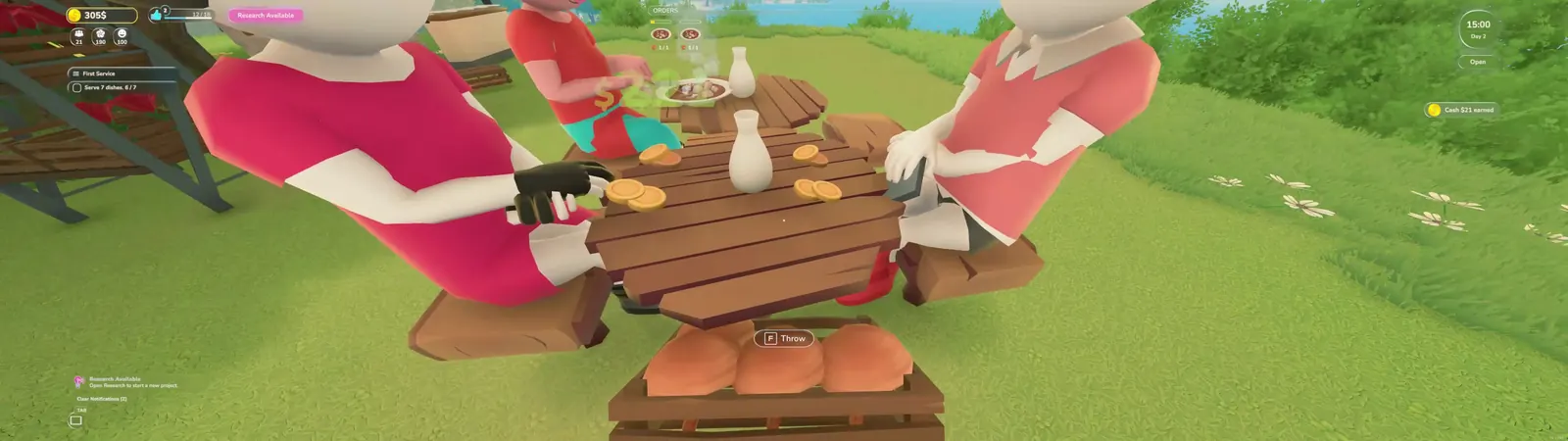
- Gameplay image is service-context footage from local recordings, not direct proof of every staff issue listed here.
- Patch context checked against official Steam news for Updates 1.0.51, 1.0.90, 1.0.91, 1.0.120, and Hotfix 1.0.122.
- Official Major Update #1, released September 30, 2026 at 09:43 PDT: https://steamcommunity.com/games/3582250/announcements/detail/679637128142913620
- Farm to Table is in Early Access, so staff routing, task priority, and wait reasons can change between builds.